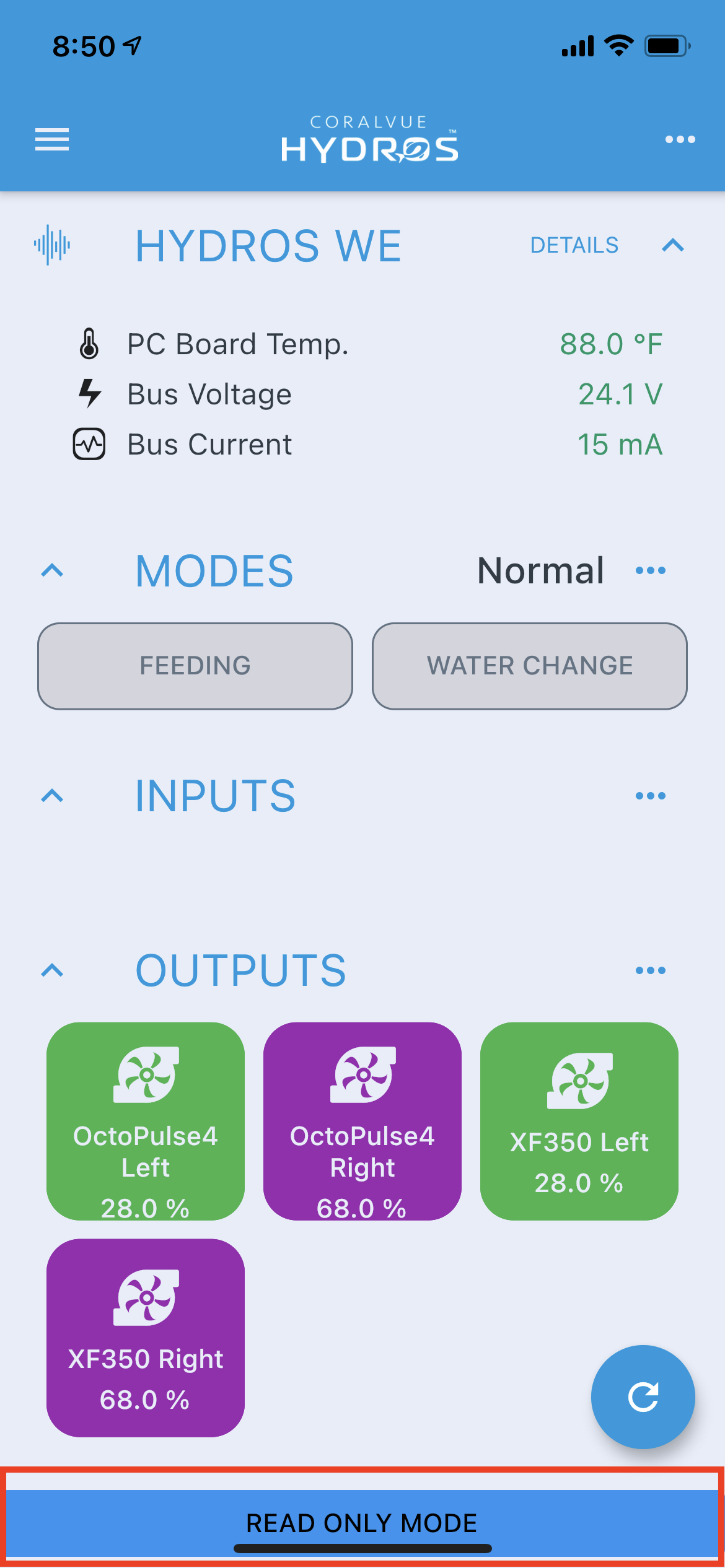
The HYDROS allows you to connect to your device via BT if your internet or WiFi is temporarily down. This allows you to connect to the device directly without the cloud, where you can override outputs and outlets. BT DOES NOT allow you to make permanent configuration changes as it is not intended for day-to-day use.
Accessing BT Mode
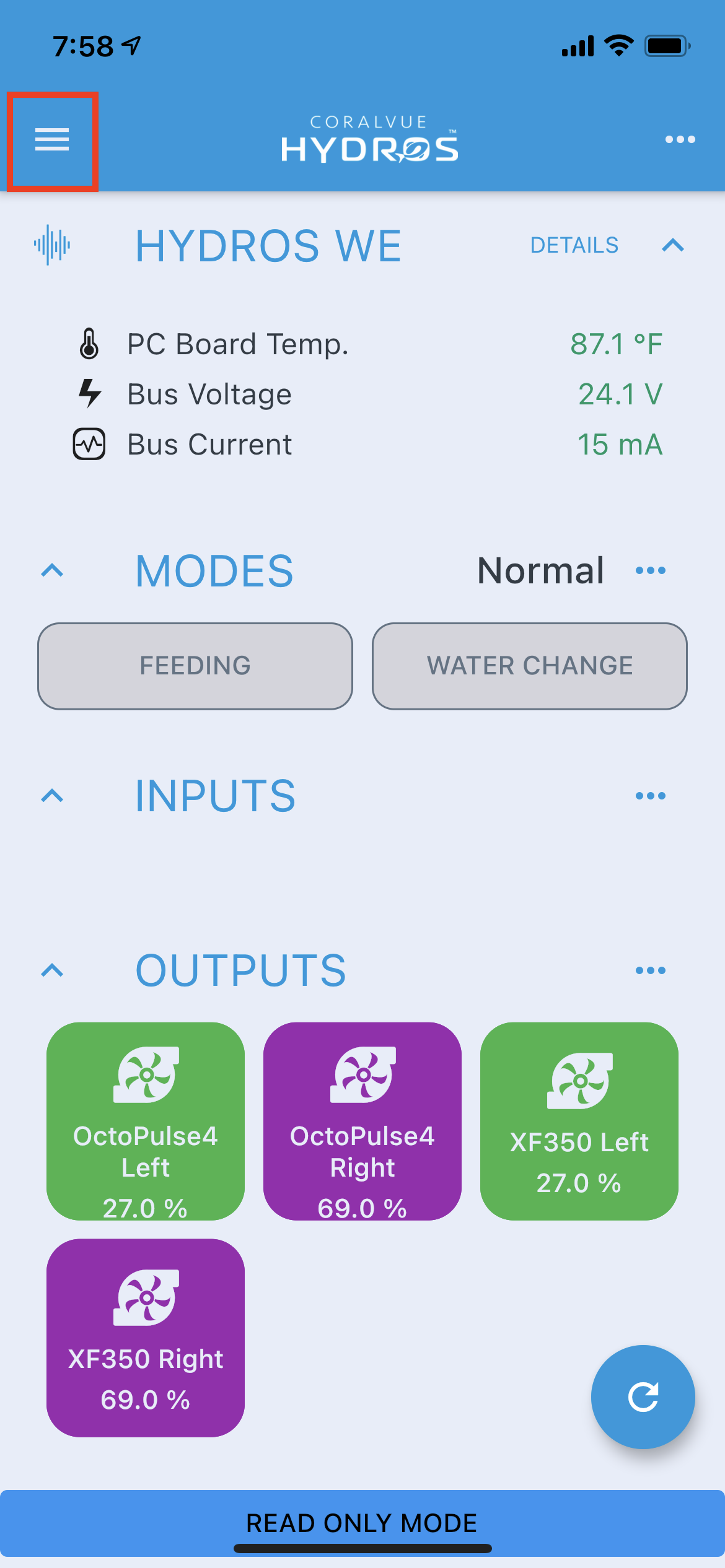
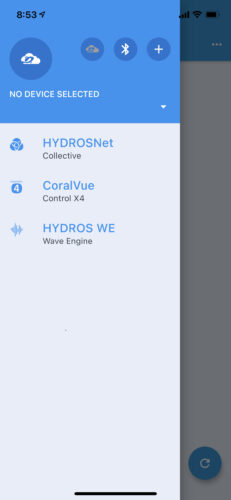
- Open the HYDROS app and tap on the upper-left-hand corner hamburger menu
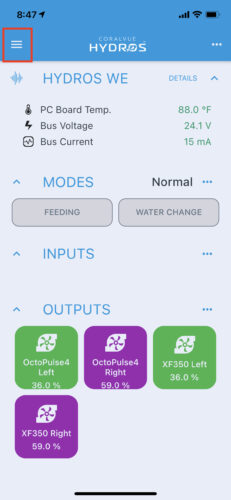 [1]
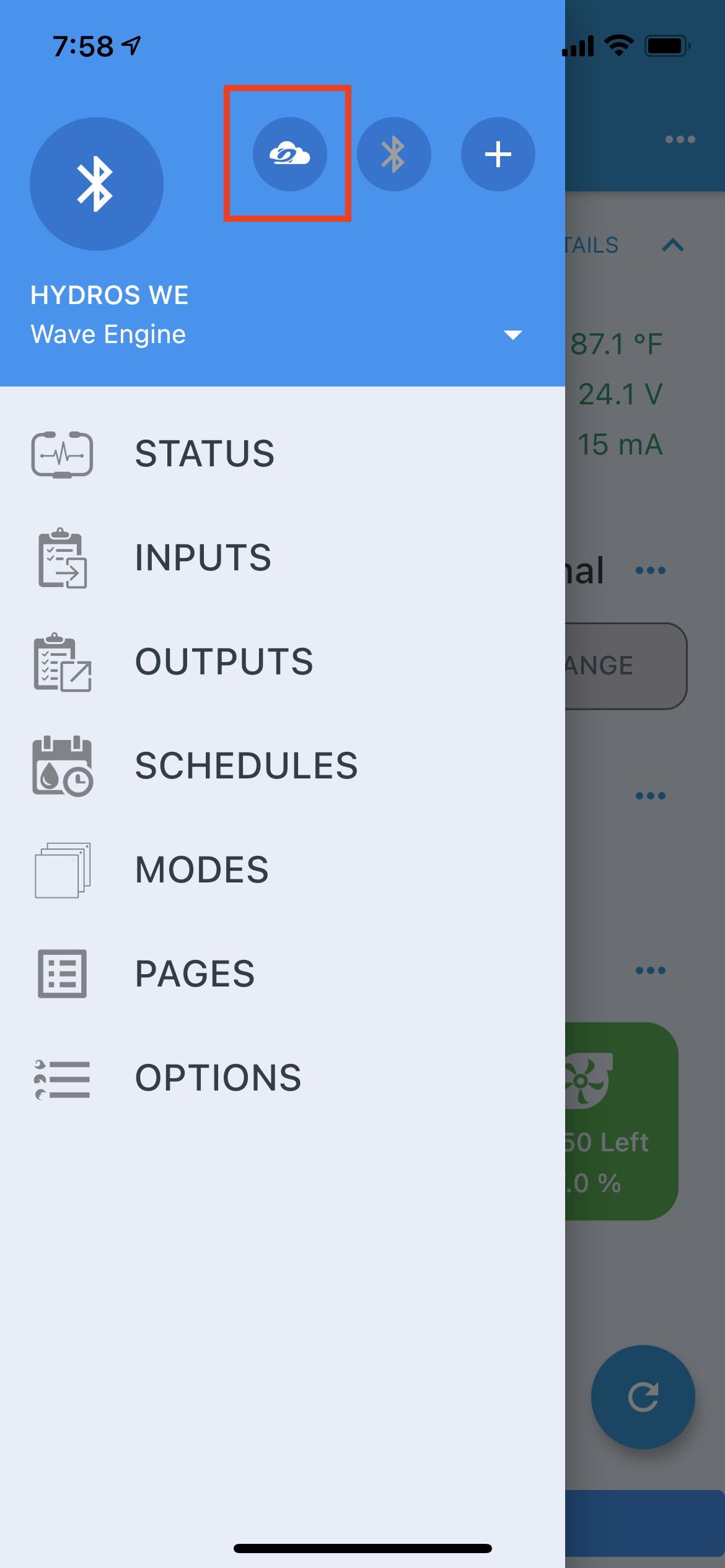
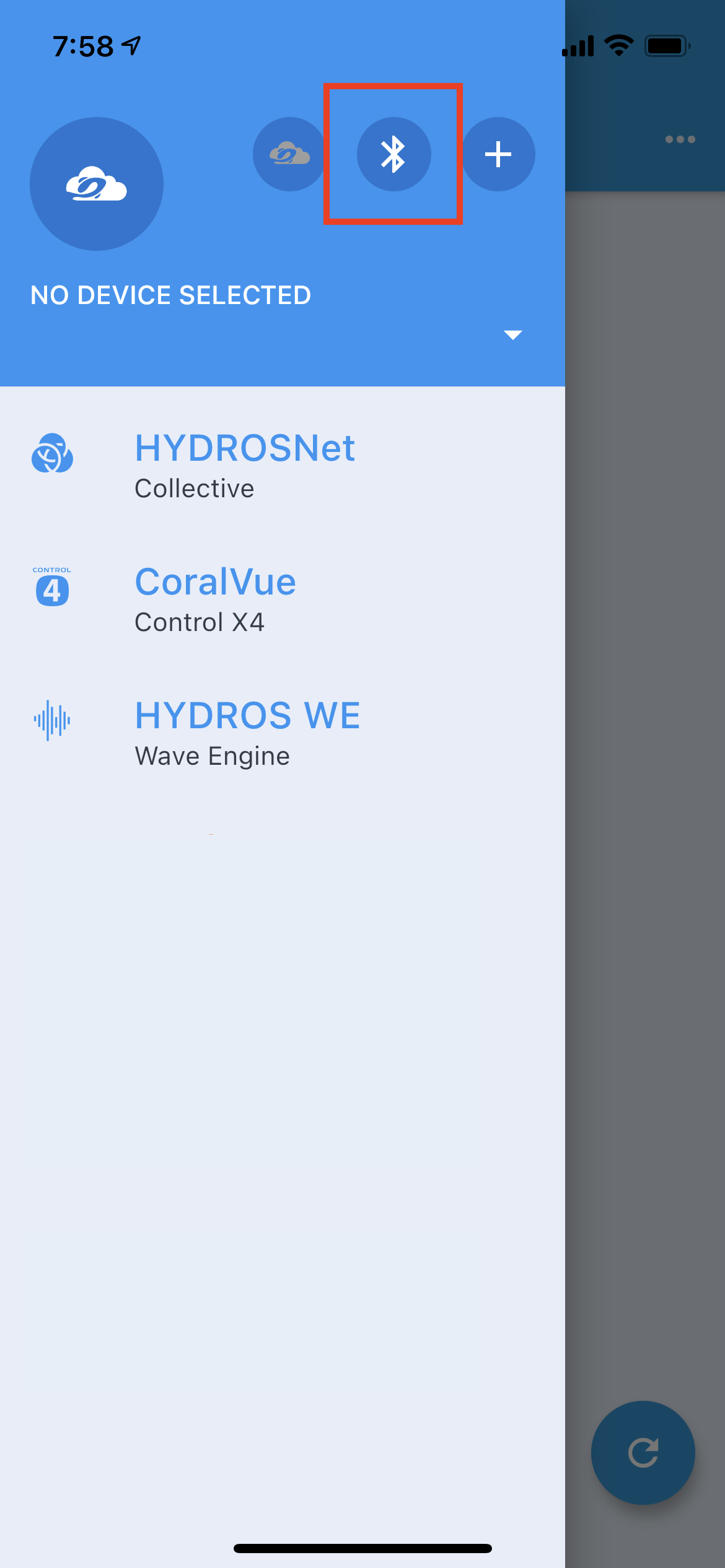
[1] - To the right of the large circle icon, tap on the BT symbol
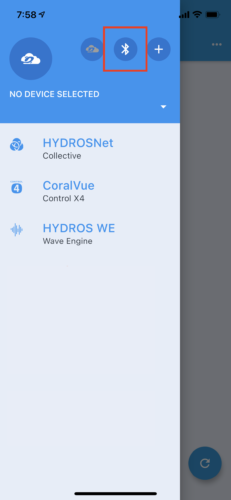 [2]
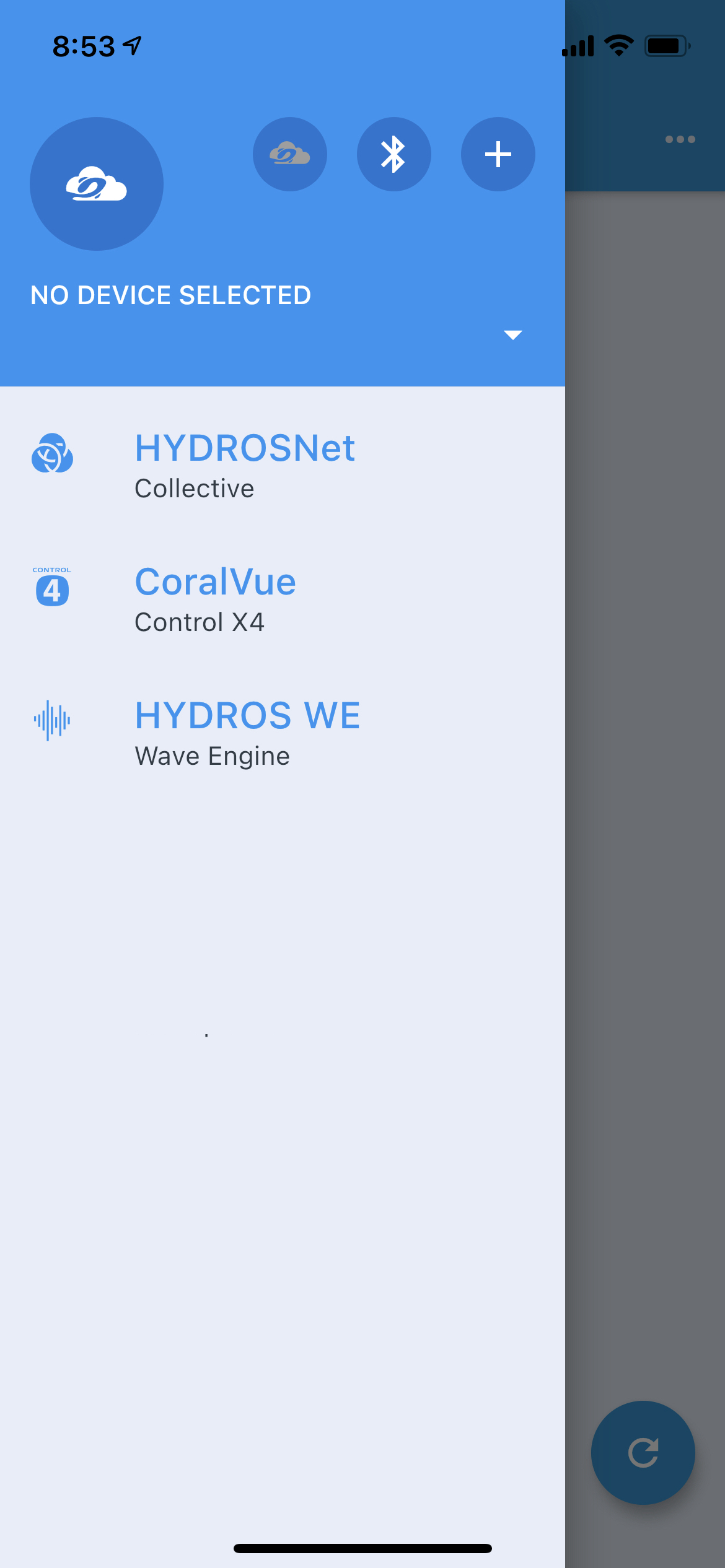
[2] - Select your HYDROS device from the list to access it
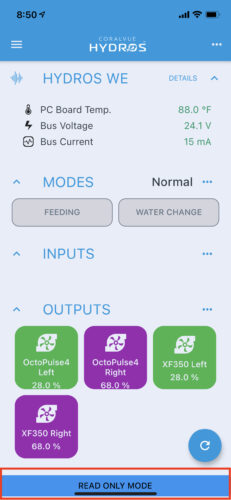 [3]
[3]
Exiting BT Mode
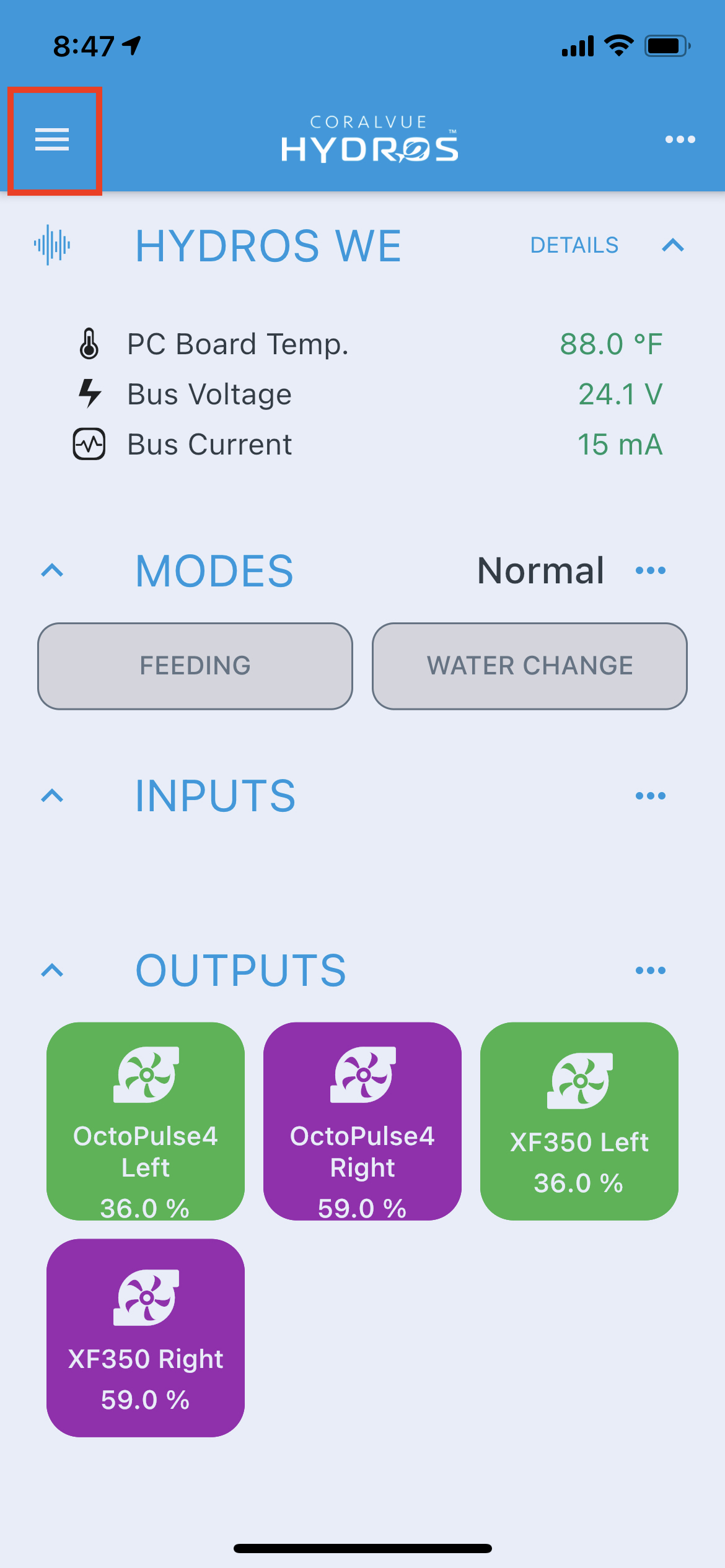
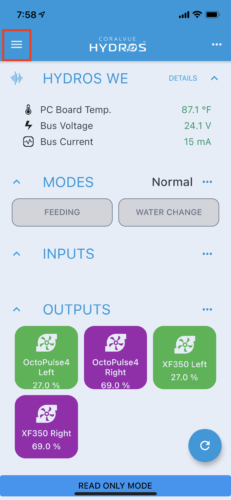
- Open the HYDROS app and tap on the upper-left-hand corner hamburger menu
 [4]
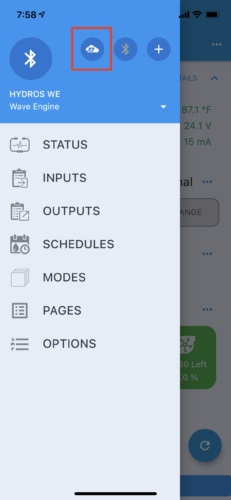
[4] - To the right of the large circle icon, tap on the “Cloud” symbol
 [5]
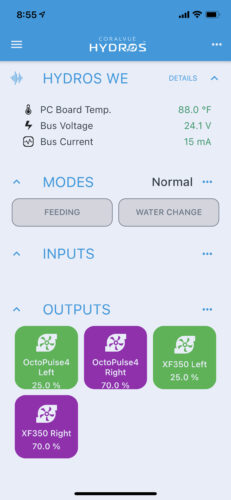
[5] - Select your HYDROS device from the list to access it
 [6]
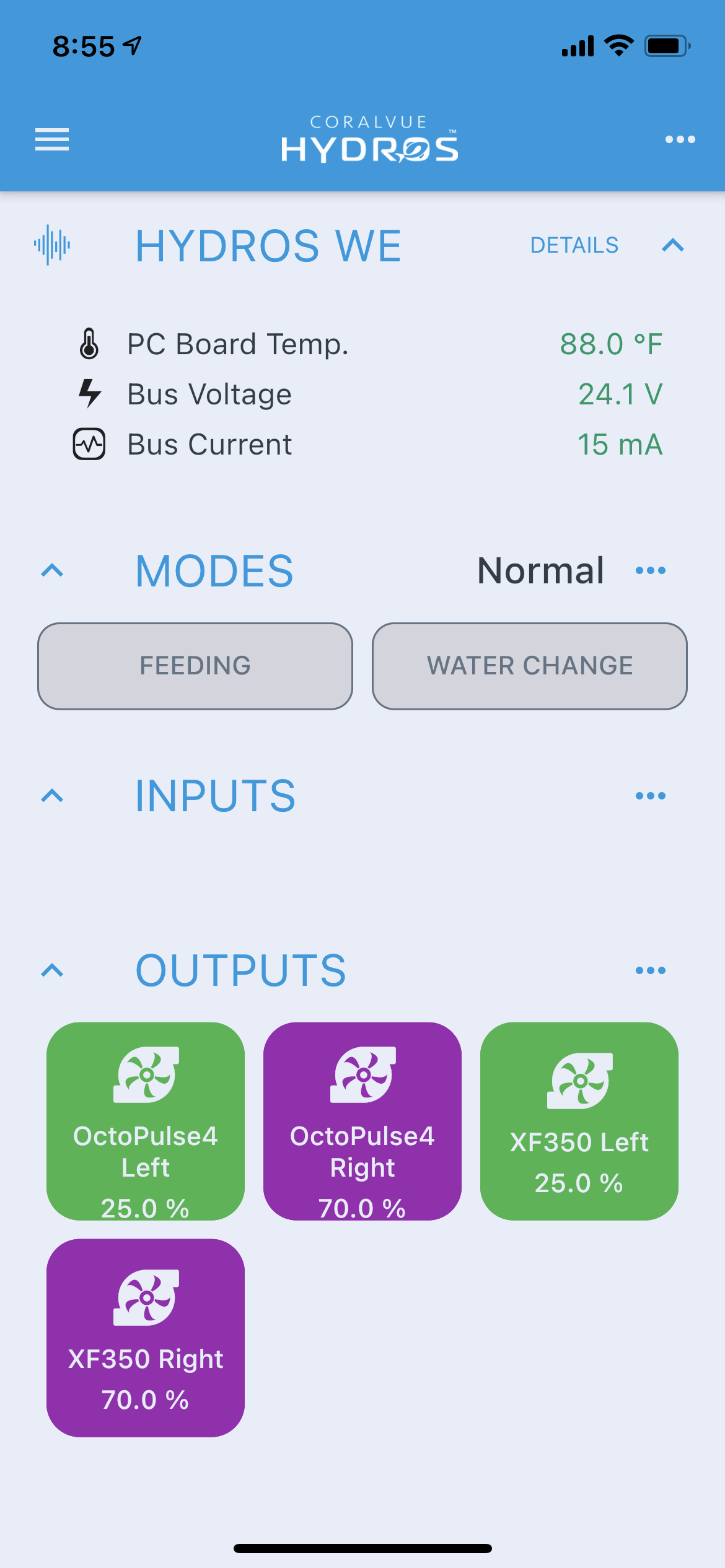
[6] - The “Read Only” bar at the bottom is no longer displayed. You can now make permanent changes to your configuration
 [7]
[7]